Welcome
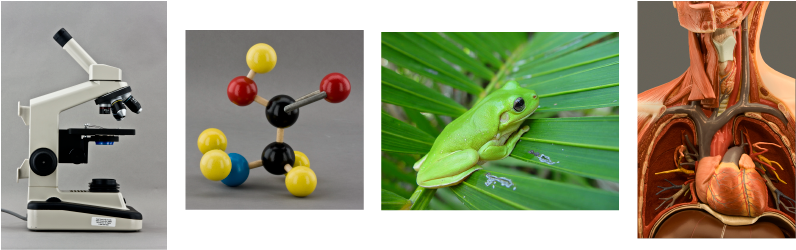
Access Learning Systems presents an online biology experience designed to meet the learning needs of today's students. These highly interactive labs keep students engaged and provide a variety of learning experiences that bring the content to life!
To view online labs, select the course you wish to access from the top menu.
New Students: You can set up a new account after selecting your course. Be sure to select the correct course before creating an account. Details for setting up your account are found inside each course.
If you are taking BOTH 1408 and 1409, set up access in 1408 and send an email to
Returning Students: Access is valid for one semester. If you are repeating a course your account may need to be unlocked. If you are taking a different course and only have access to your previous course, send an email to
If you have questions, first select your course, then check Frequently Asked Questions (FAQ) on the top menu. If you don't find the answer there, send an email to
A Note About Accessibility: In compliance with Section 508 Standards for Accessibility, an alternate format may be provided for students with accessibility needs who have trouble viewing online content. If you encounter trouble with any elements of the website or online labs, please notify us at